
Undetectable AdBlocker
Chrome Extension
Undetectable AdBlocker, a free Chrome addon, blocks banner and video advertising on a variety of websites invisibly and effectively. It is designed to be "Creator Friendly," allowing users to enjoy YouTube without interruption from adverts while still providing financial support to content creators. While there may be brief views of advertising while the movie is loading, consumers may easily prevent them with simple installation and use. Users can report any problems, and other AdBlockers must be disabled for proper operation. Because popups are not stopped, it is best to utilize a different Chrome popup blocker for this purpose.
How to Sideload the Undetectable AdBlocker Extension:
Step 1: Click the underlined text below to download the extension.
Step 2: Extract the zip file. You will see a folder named "Undetectable AdBlocker".
Step 3: Open Chrome and navigate to chrome://extensions

Step 4: Find the button that says "Developer Mode"
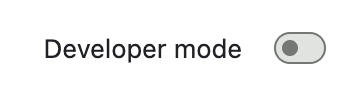
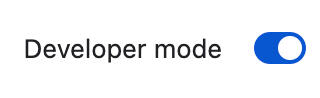
Step 5: Toggle the "Developer Mode" button on.
Step 6: Click "Load unpacked" and select the "Undetectable AdBlocker" folder you extracted earlier.

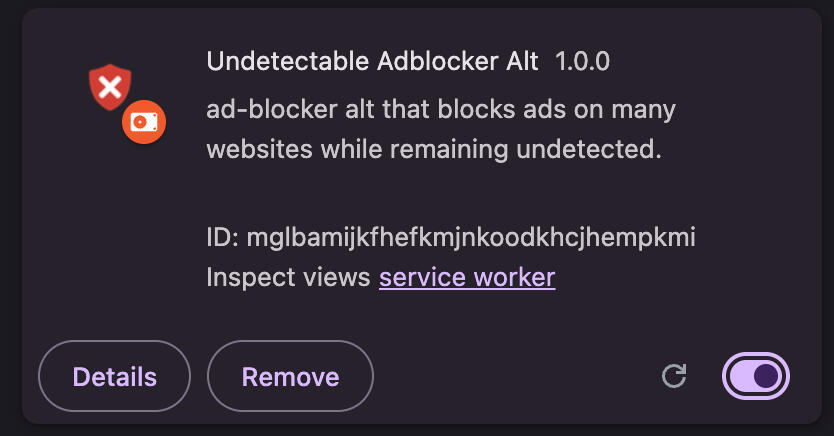
Step 7: Enjoy! You should now see the Undetectable AdBlocker extension in your extensions list & be able to use it.
By installing the Undetectable AdBlocker extension, you agree to our privacy policy.